
RoutePreviewRail
Scrollable visual QA rail for live component routes and screenshot proof.
Live demo
01Visual QA
Library Operations live pitches
Every operations component should have a route, docs, tests, and screenshot proof before the morning sweep.
- Ready
- 10
- Review
- 0
- Missing
- 0

ComponentHealthMatrix
Catalogue QA dashboard for docs, demos, screenshots, tests, and theme support.
Library Operations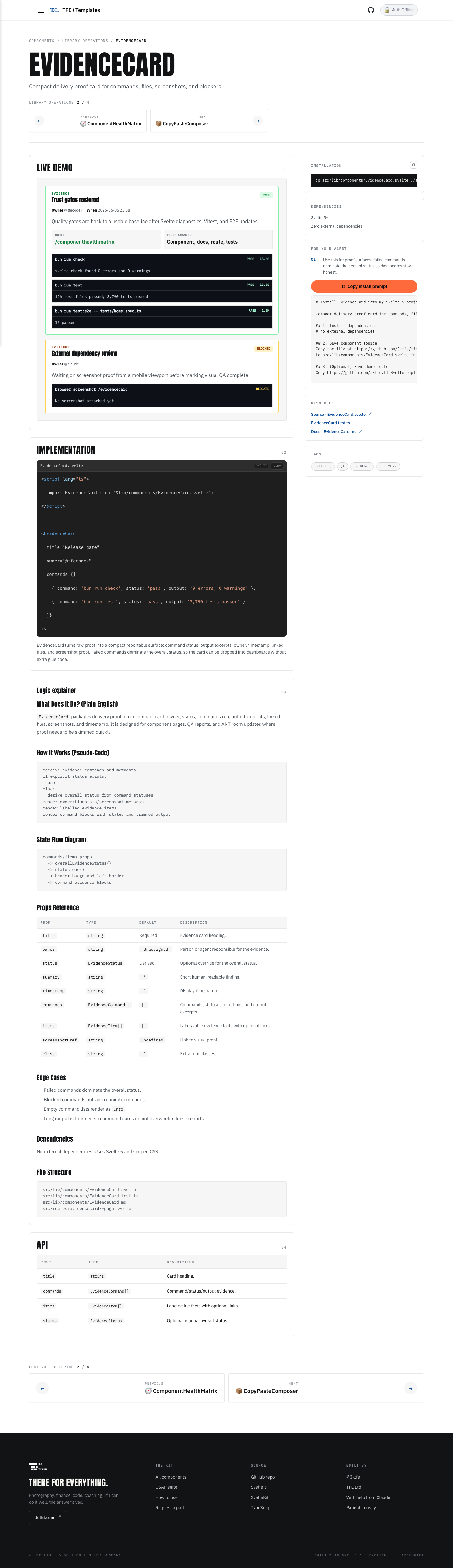
EvidenceCard
Compact delivery proof card for commands, files, screenshots, and blockers.
Library Operations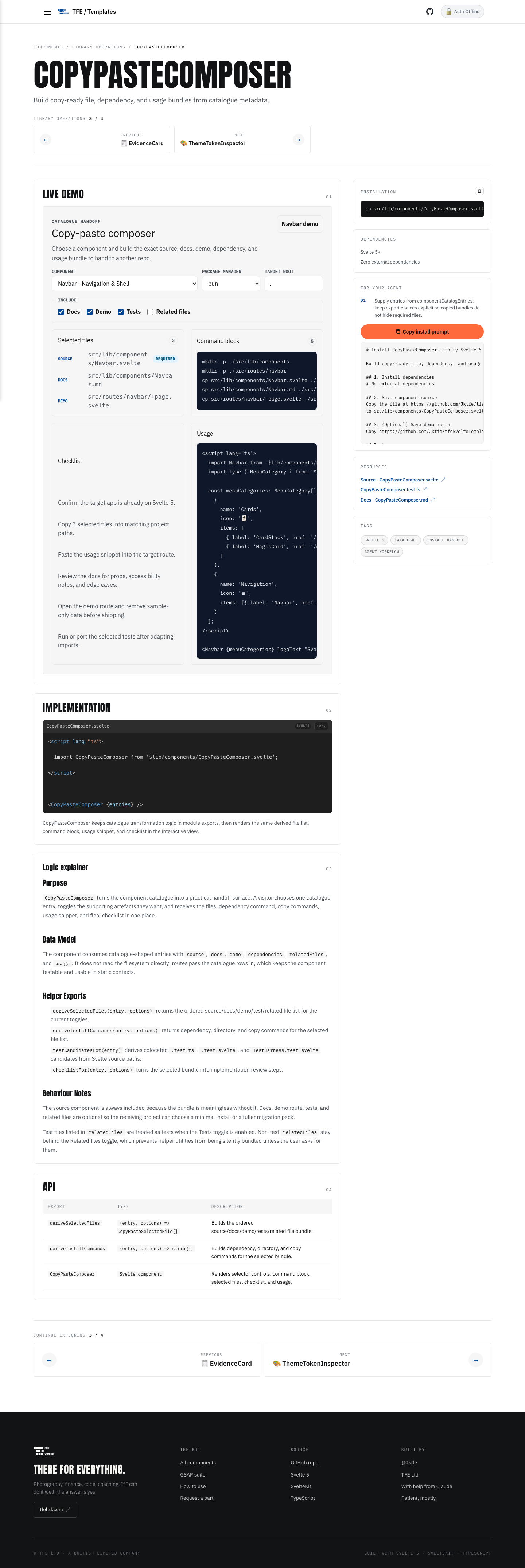
CopyPasteComposer
Build copy-ready file, dependency, and usage bundles from catalogue metadata.
Library Operations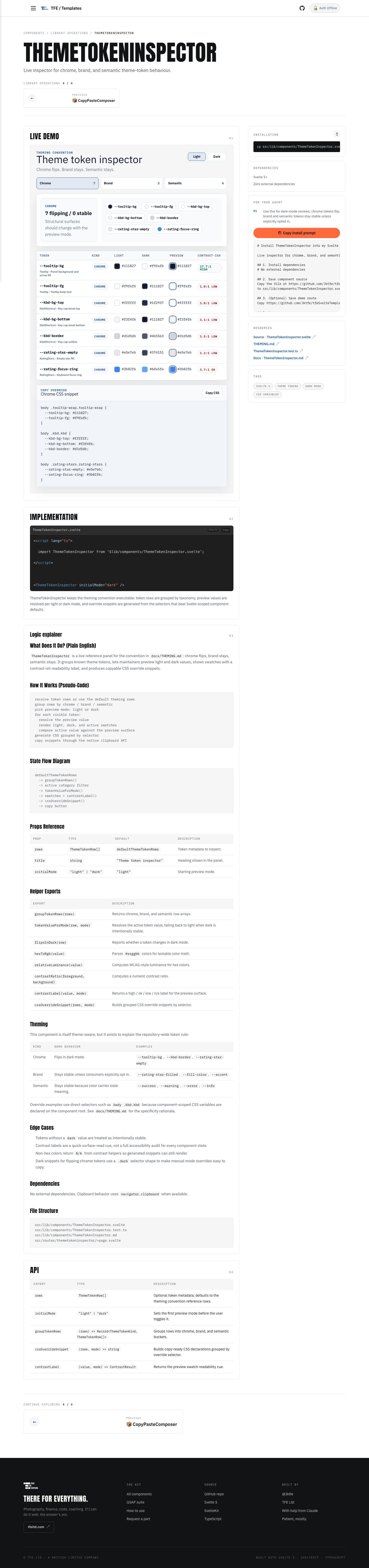
ThemeTokenInspector
Live inspector for chrome, brand, and semantic theme-token behaviour.
Library Operations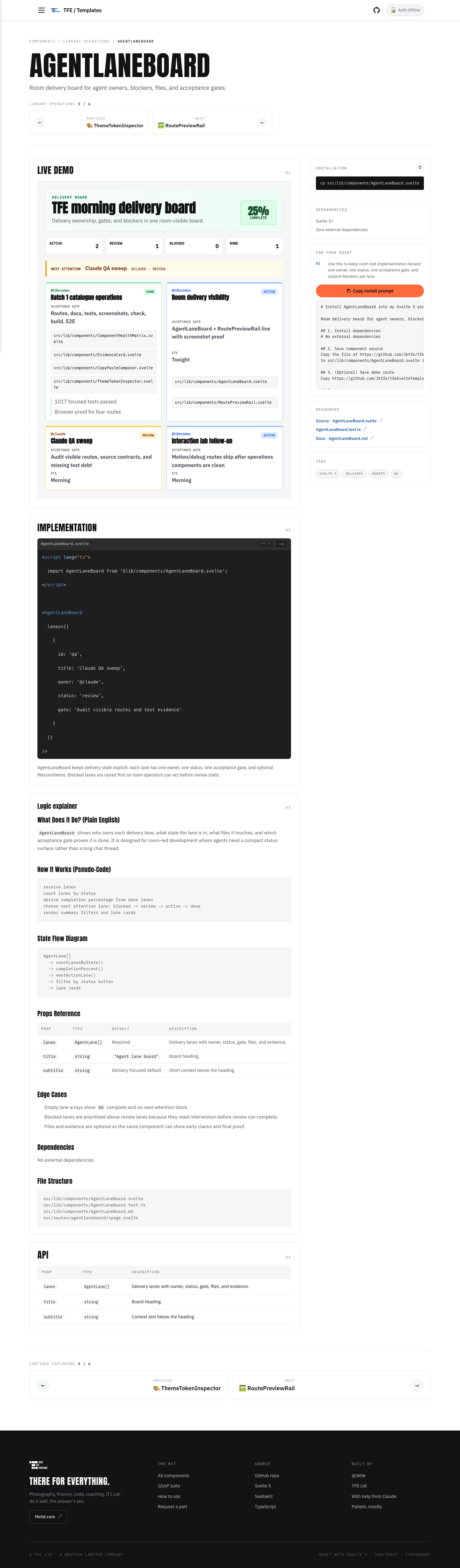
AgentLaneBoard
Room delivery board for agent owners, blockers, files, and acceptance gates.
Library Operations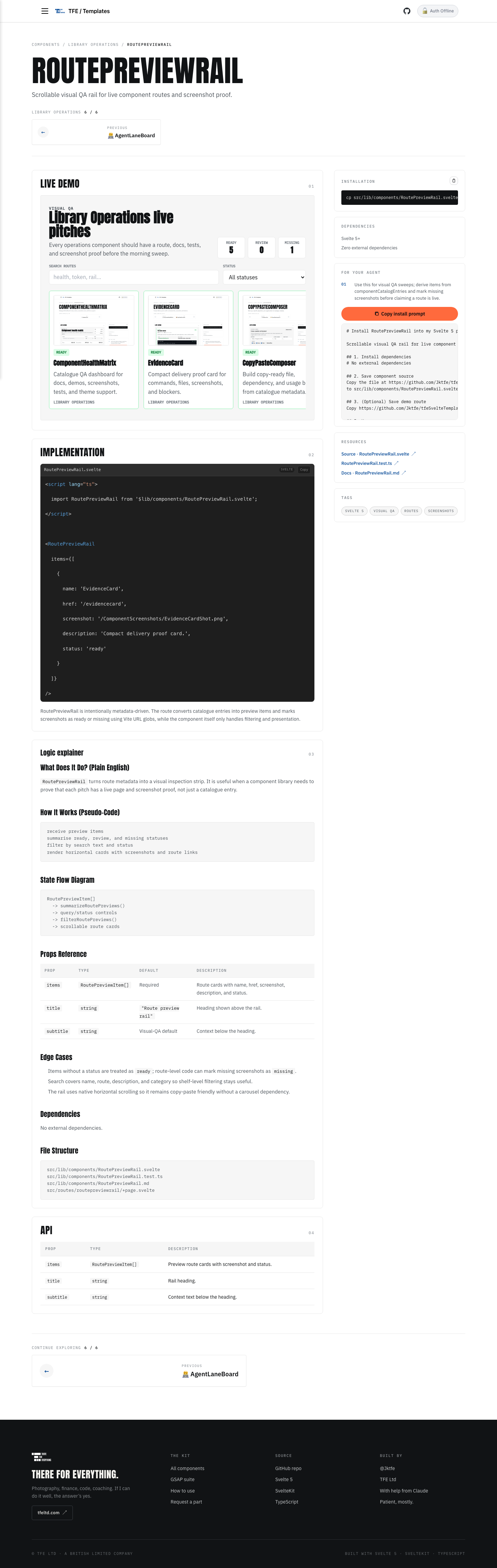
RoutePreviewRail
Scrollable visual QA rail for live component routes and screenshot proof.
Library Operations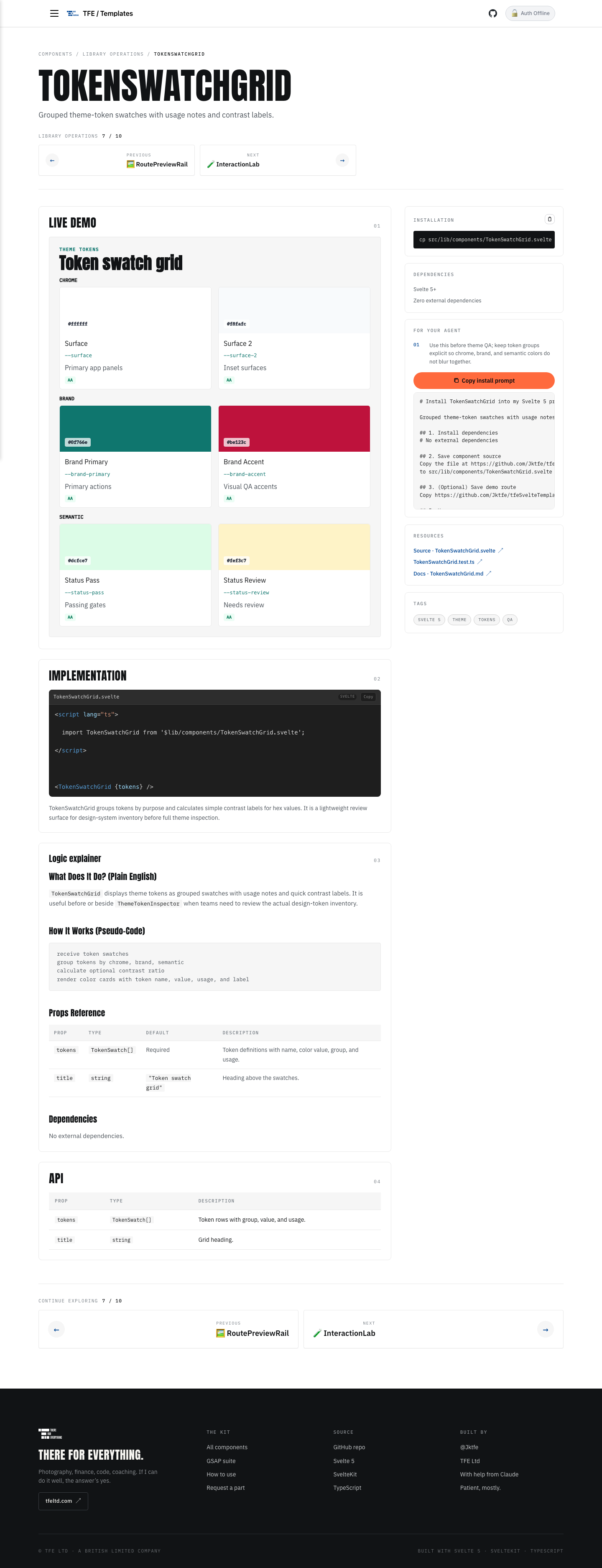
TokenSwatchGrid
Grouped theme-token swatches with usage notes and contrast labels.
Library Operations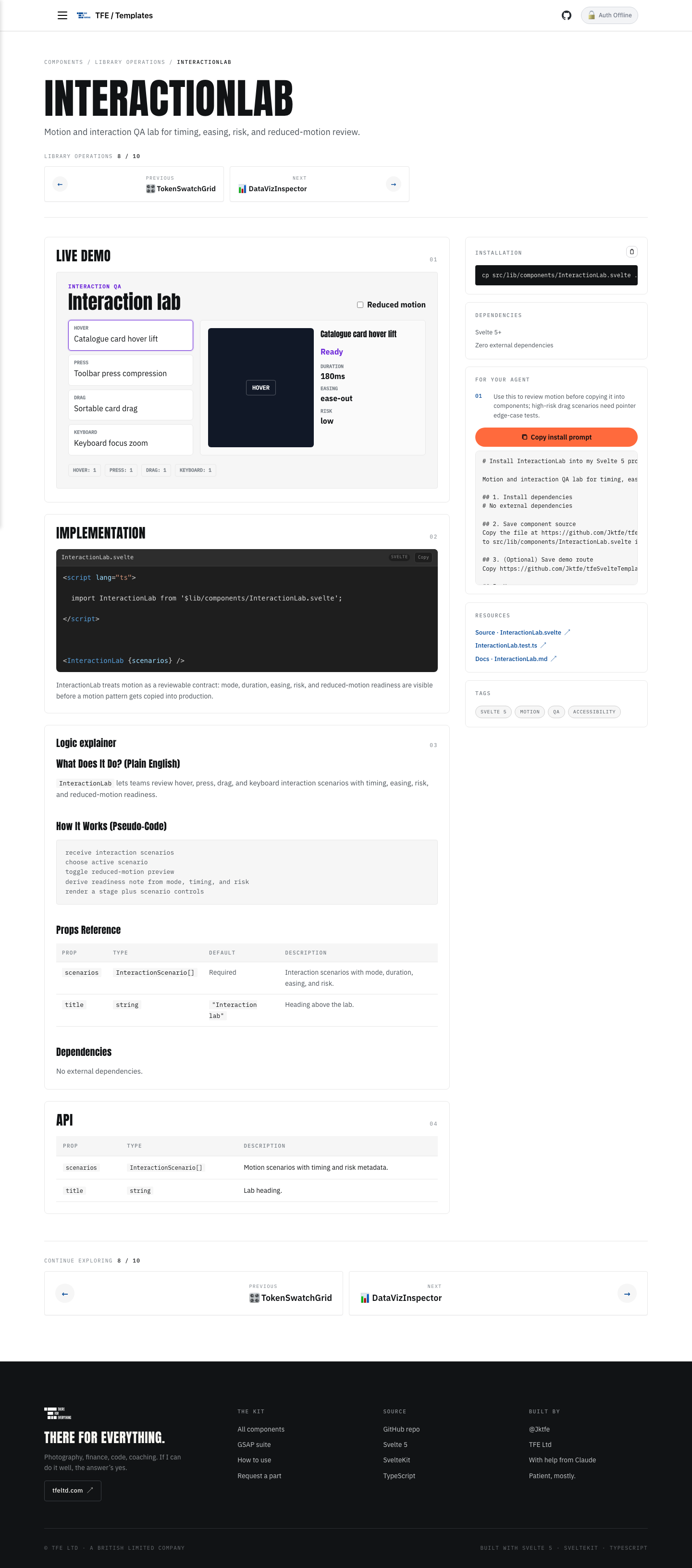
InteractionLab
Motion and interaction QA lab for timing, easing, risk, and reduced-motion review.
Library Operations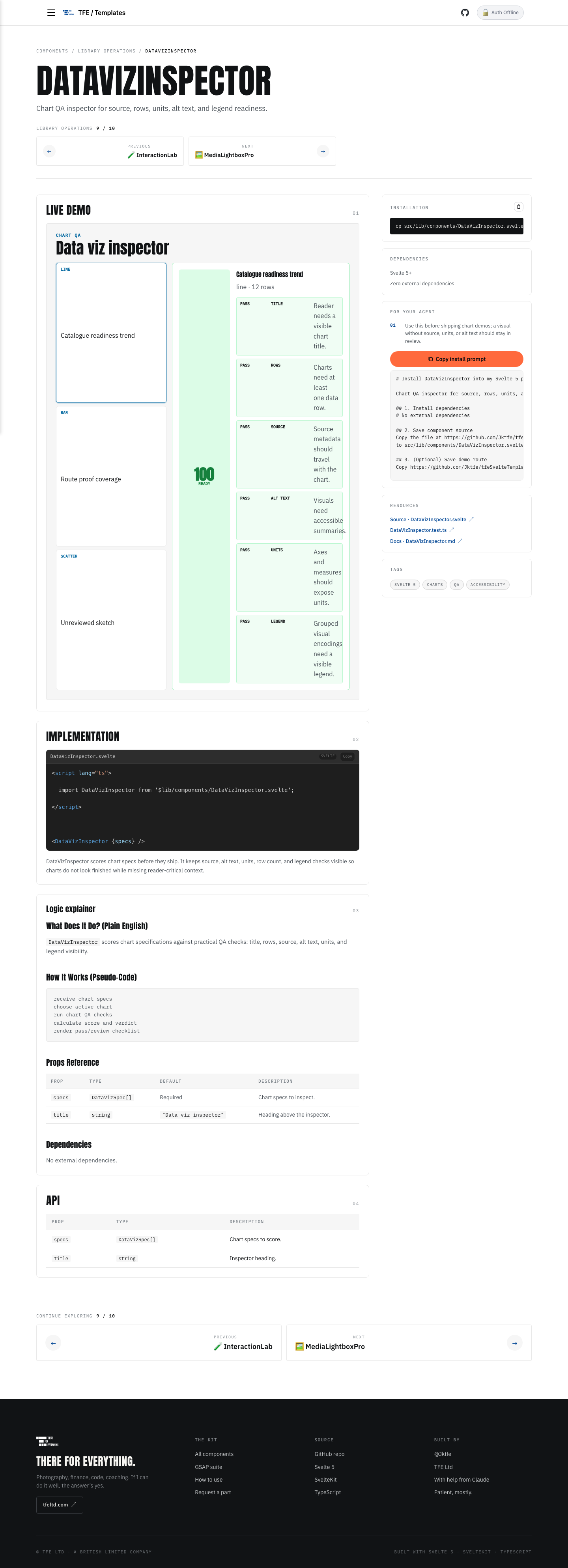
DataVizInspector
Chart QA inspector for source, rows, units, alt text, and legend readiness.
Library Operations
MediaLightboxPro
Dependency-free media proof gallery with modal viewing and wraparound navigation.
Library OperationsImplementation
02<script lang="ts">
import RoutePreviewRail from '$lib/components/RoutePreviewRail.svelte';
</script>
<RoutePreviewRail
items={[
{
name: 'EvidenceCard',
href: '/evidencecard',
screenshot: '/ComponentScreenshots/EvidenceCardShot.png',
description: 'Compact delivery proof card.',
status: 'ready'
}
]}
/>RoutePreviewRail is intentionally metadata-driven. The route converts catalogue entries into preview items and marks screenshots as ready or missing using Vite URL globs, while the component itself only handles filtering and presentation.
Logic explainer
03What Does It Do? (Plain English)
RoutePreviewRail turns route metadata into a visual inspection strip. It is useful when a component library needs to prove that each pitch has a live page and screenshot proof, not just a catalogue entry.
How It Works (Pseudo-Code)
receive preview items
summarise ready, review, and missing statuses
filter by search text and status
render horizontal cards with screenshots and route links
State Flow Diagram
RoutePreviewItem[]
  -> summarizeRoutePreviews()
  -> query/status controls
  -> filterRoutePreviews()
  -> scrollable route cards
Props Reference
| Prop | Type | Default | Description |
|---|---|---|---|
items |
RoutePreviewItem[] |
Required | Route cards with name, href, screenshot, description, and status. |
title |
string |
"Route preview rail" |
Heading shown above the rail. |
subtitle |
string |
Visual-QA default | Context below the heading. |
Edge Cases
- Items without a status are treated as
ready; route-level code can mark missing screenshots asmissing. - Search covers name, route, description, and category so shelf-level filtering stays useful.
- The rail uses native horizontal scrolling so it remains copy-paste friendly without a carousel dependency.
Dependencies
No external dependencies.
File Structure
src/lib/components/RoutePreviewRail.svelte
src/lib/components/RoutePreviewRail.test.ts
src/lib/components/RoutePreviewRail.md
src/routes/routepreviewrail/+page.svelte
API
04| Prop | Type | Description |
|---|---|---|
items | RoutePreviewItem[] | Preview route cards with screenshot and status. |
title | string | Rail heading. |
subtitle | string | Context text below the heading. |